Image to Text Converter
Upload photos, screenshots or scanned documents and pull out clean, editable text in seconds with AI-powered OCR.
Extracted Text
OCR Engine
Turn Any Image Into Editable Text
A free online OCR that reads printed text from photos, screenshots, scanned PDFs, receipts and more — then hands you clean, copy-ready text you can paste into Docs, Notion or email.
Works With PNG, JPG, WebP & HEIC
Drop in PNG, JPG, JPEG, WebP or iPhone HEIC images straight from your phone or desktop — no format conversion needed.
Extract Text Now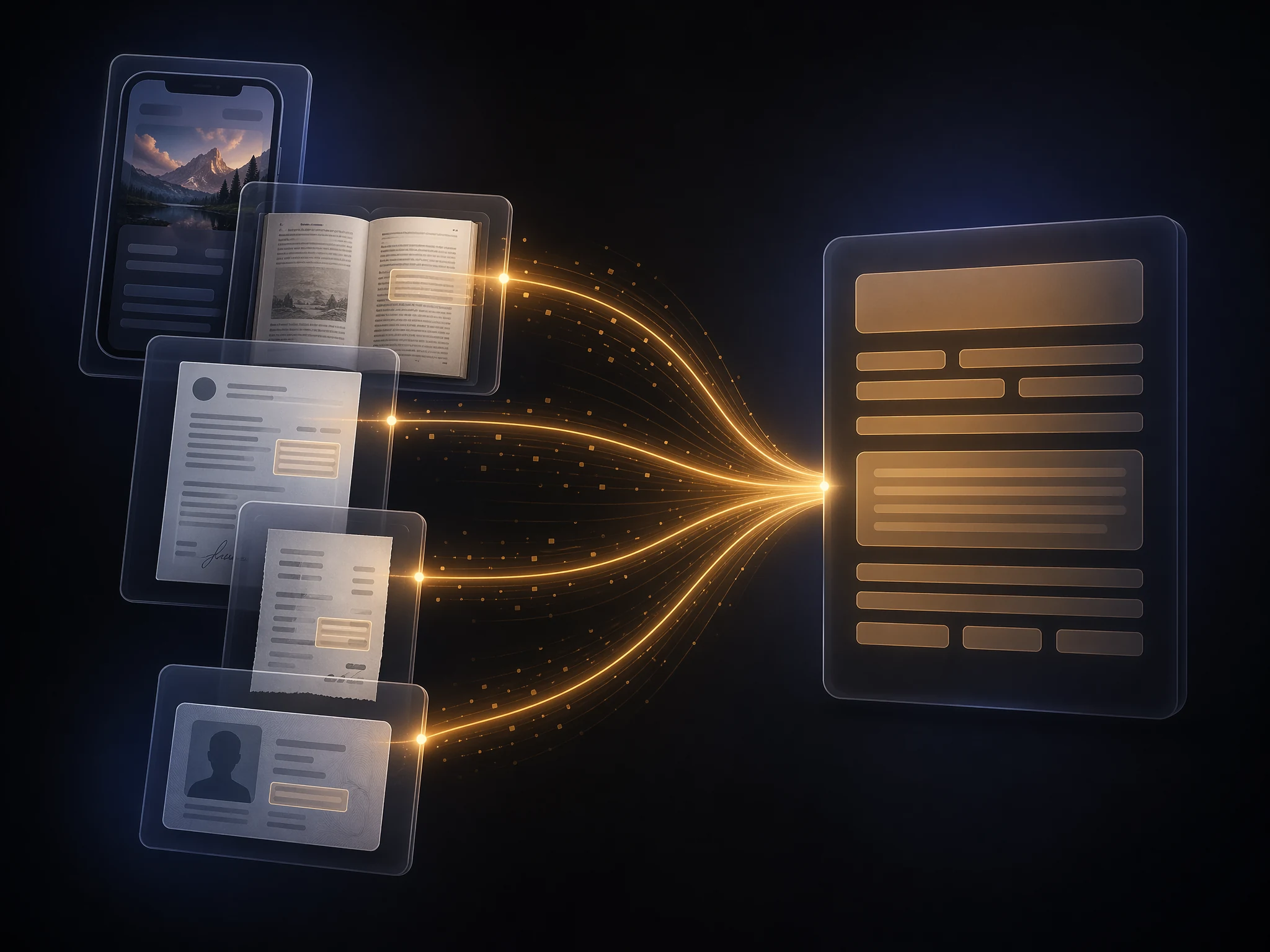
Screenshots, Scans & Receipts
Pull text from app screenshots, scanned book pages, contracts, receipts and ID cards. Great for digitizing paper documents or quoting from articles.
Upload Image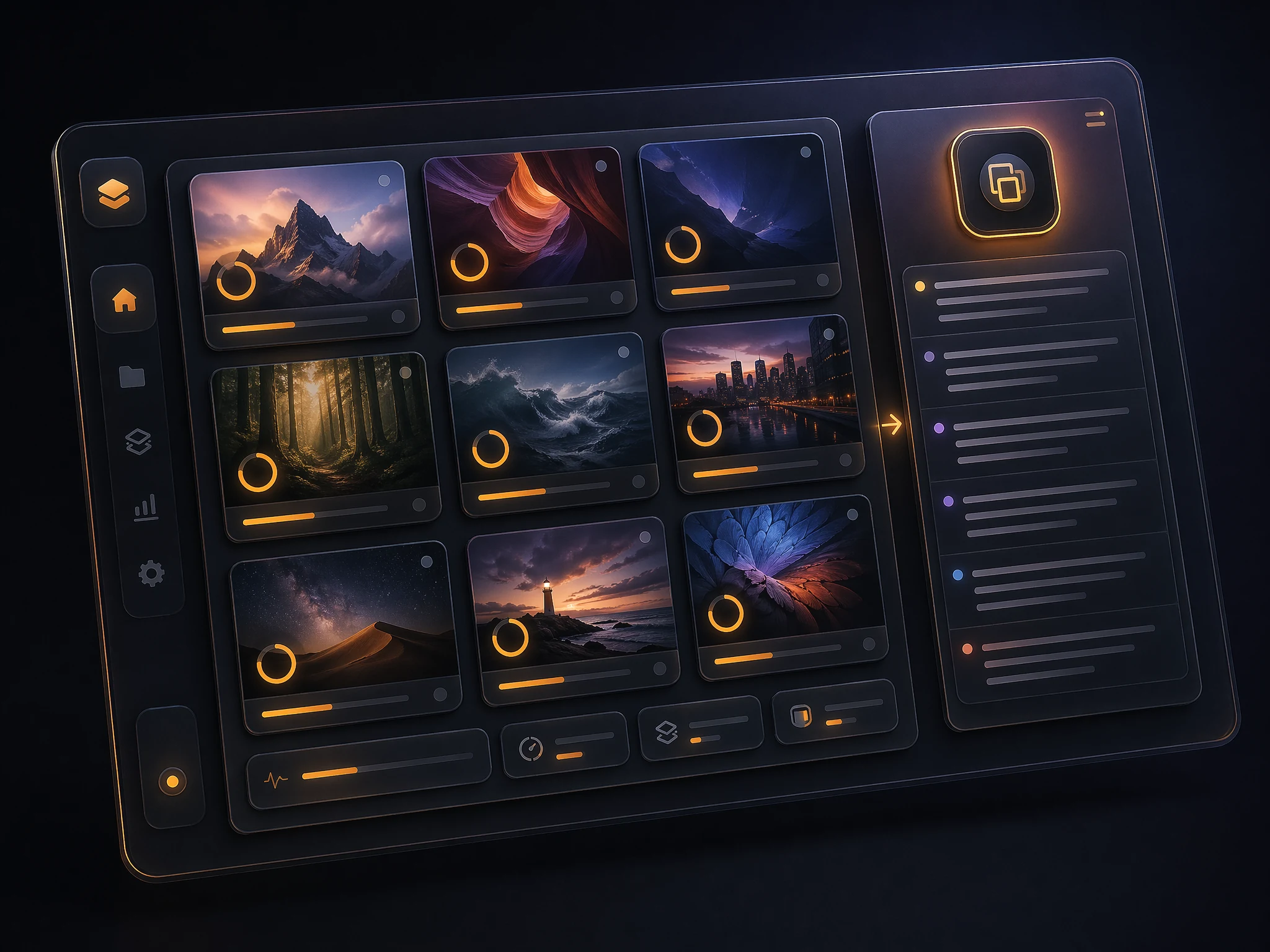
Batch Upload & One-Click Copy
Upload multiple images at once, extract them together, then copy individual results or the full combined text with a single click.
Try It Free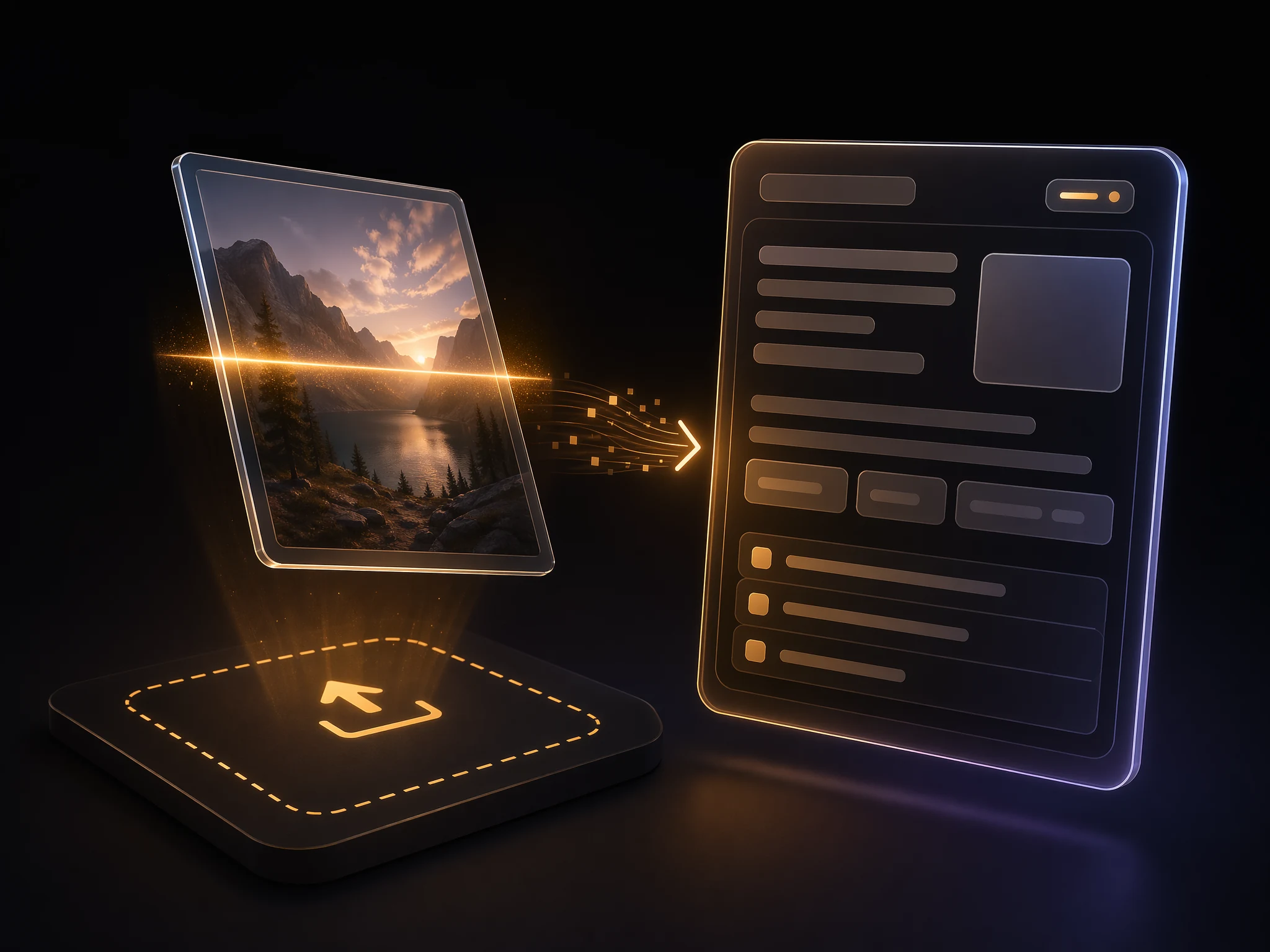
How the Image to Text Converter Works
Three steps from image to editable text
Upload Your Image
Drag and drop one or more PNG, JPG, WebP or HEIC files — photos, screenshots or scans all work.
OCR Reads the Text
Our OCR engine scans each image, detects text regions and converts printed characters into digital text.
Copy or Export
Preview the extracted text, copy a single result or the full combined output, and paste it wherever you need it.
FAQ
Image to Text FAQ
Common questions about our online OCR tool
PNG, JPG, JPEG, WebP and HEIC are all supported out of the box. You can upload screenshots, phone photos or scanned pages without converting them first.