Stylize Any Photo, Any Way You Want
Upload one photo and remix it into anime, oil painting, cyberpunk, comic, pixel art and more — a whole gallery of styles in seconds.
Drop a photo here
or click to browse
JPG, PNG or WEBP, up to 5MB
Photo Stylizer
One Photo. A Whole Style Library.
A curated collection of art-direction presets that turn ordinary photos into something worth posting.
Anime, Manga & Ghibli Vibes
Get a clean Japanese animation look with expressive features, vivid colors and that hand-drawn cel-shaded warmth — great for socials and avatars.
Try Anime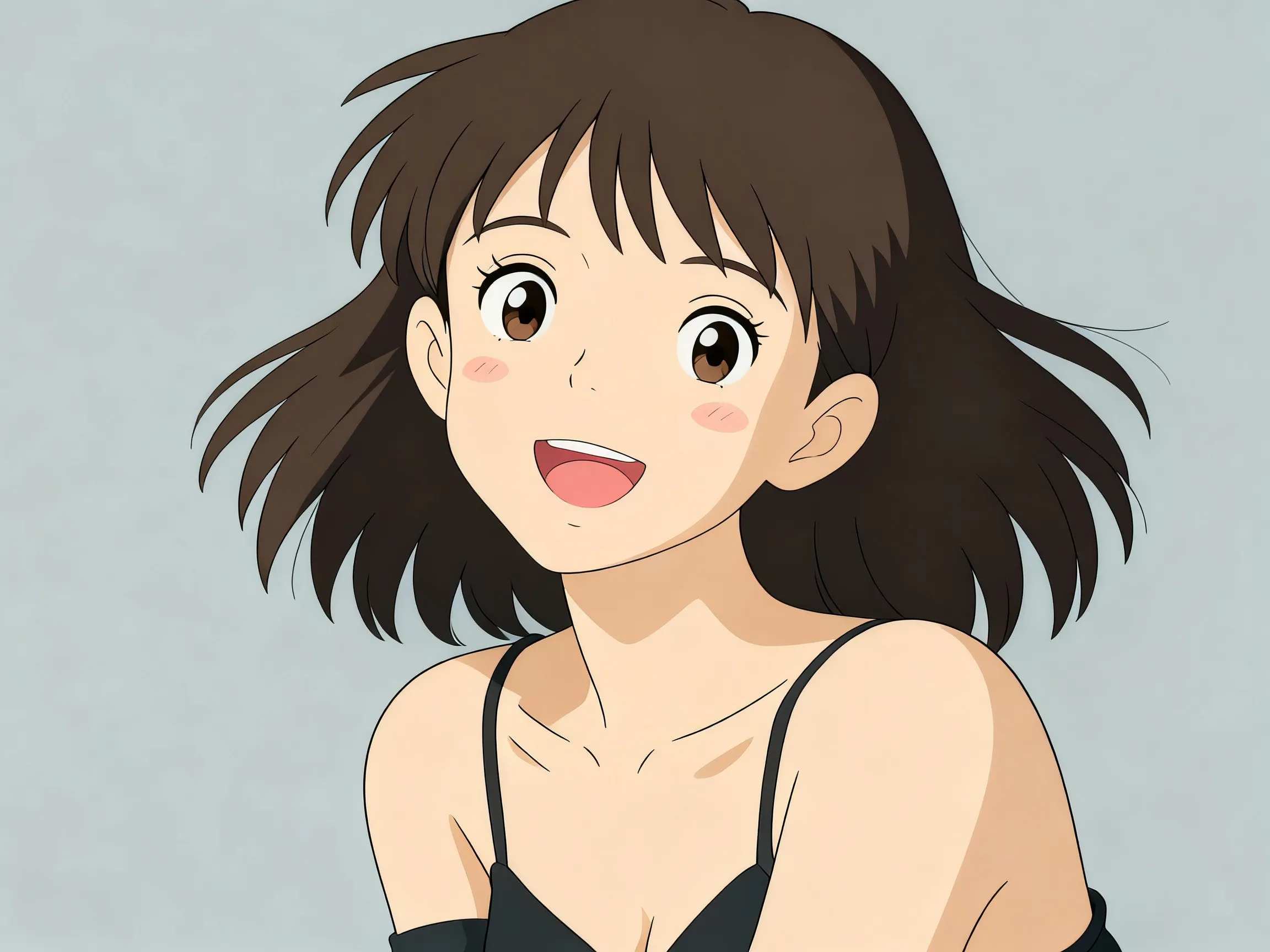
Painterly: Oil, Watercolor & Sketch
Turn snapshots into gallery-grade portraits — visible brushstrokes, soft watercolor washes, or pencil sketch lines, no skill required.
Go Painterly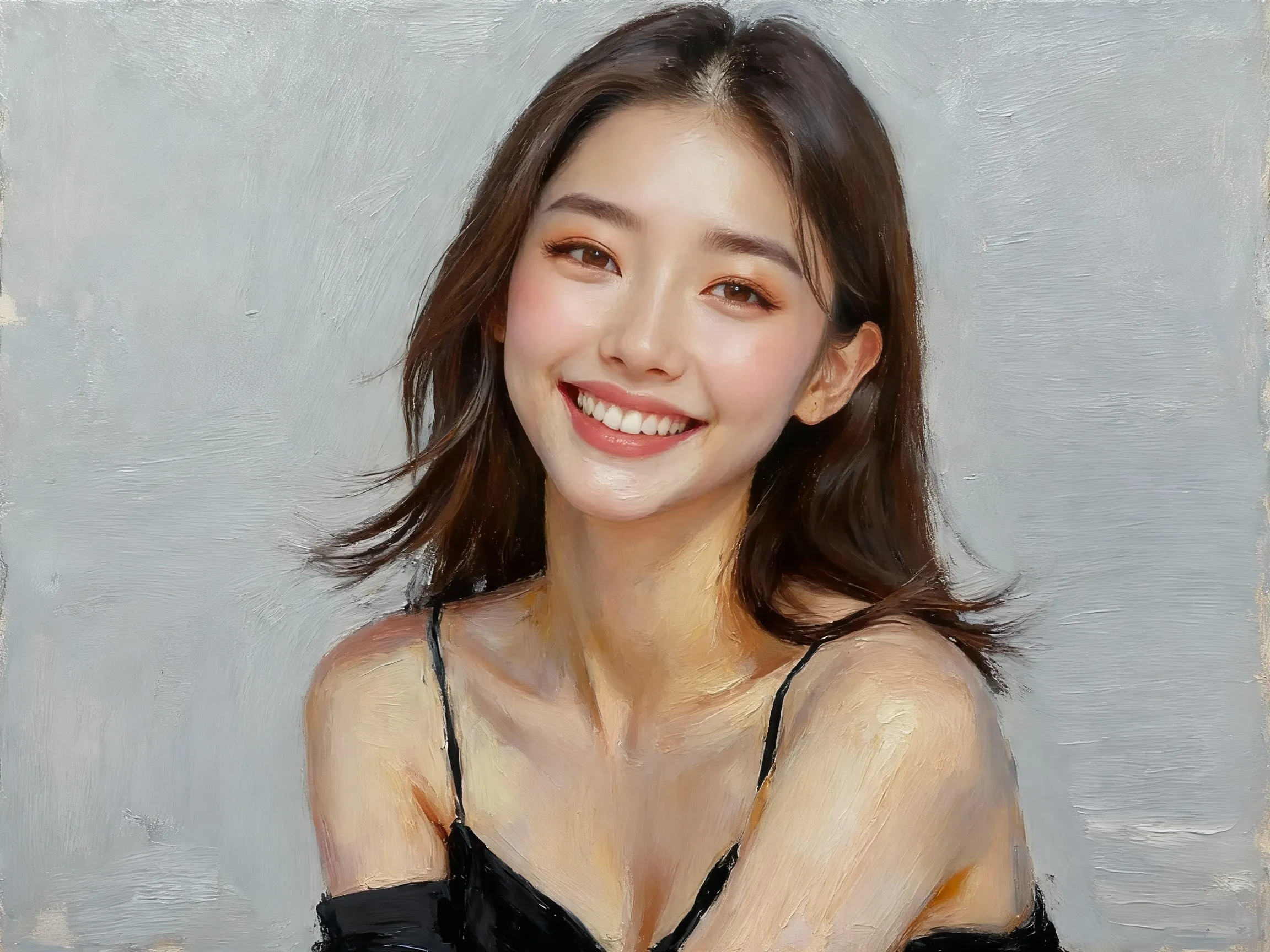
Bold: Cyberpunk, Comic & Pixel
Push your photo into stylized worlds — neon-soaked cyberpunk, halftone comic ink, or chunky pixel-art. Built-in presets do the heavy lifting.
Get Bold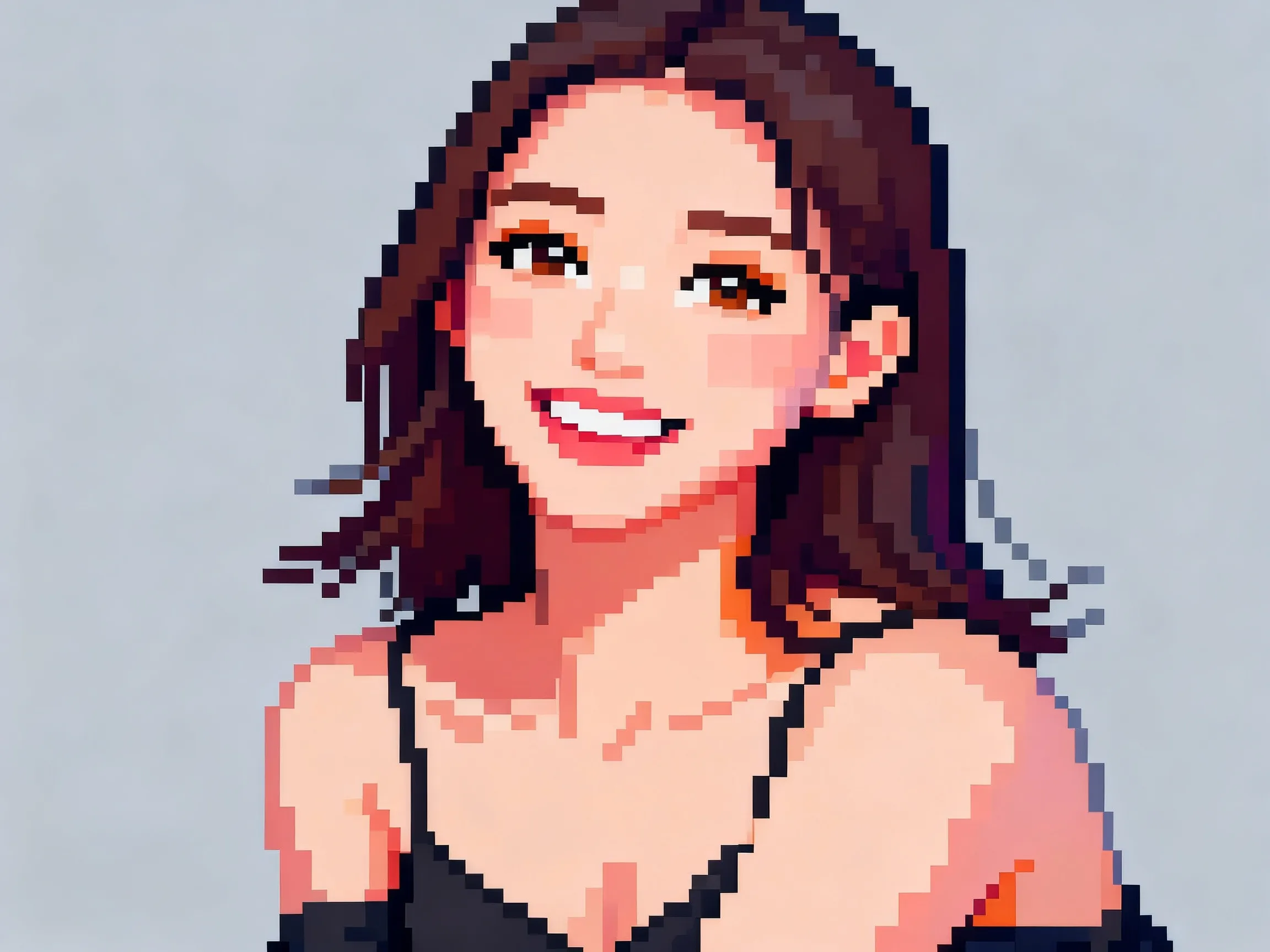
How the Photo Stylizer Works
Upload, pick a style, get a remix in seconds
Upload Any Photo
Drop in a JPG, PNG or WEBP up to 5MB. People, pets, food, scenery — the model handles them all.
Choose a Style
Pick from the style library — anime, oil painting, cyberpunk, watercolor, pixel art, comic, cartoon and more. Switch any time.
Get Multiple Variations
The AI returns several stylized versions of your photo. Click to select your favorite, then download or run another style.
FAQ
Photo Stylizer FAQ
Common questions about turning photos into art styles
The current collection covers anime, pixel art, cartoon, oil painting, watercolor, cyberpunk and comic-book looks — and we keep adding to the library. Premium styles are marked with a badge.