AI Email Writer
Generate clear, professional emails and replies from a few key points — pick a tone, refine the draft and paste it into any inbox.
Generated Email
Your generated email will appear here...
Email Drafting AI
Write Better Emails in Less Time
Turn a handful of notes into a polished email, craft thoughtful replies from the original thread, and fine-tune tone and length until it reads the way you want.
Draft New Emails from Notes
Paste a purpose, a few bullet points and a recipient, and get a complete email with greeting, body and sign-off ready to send.
Write an Email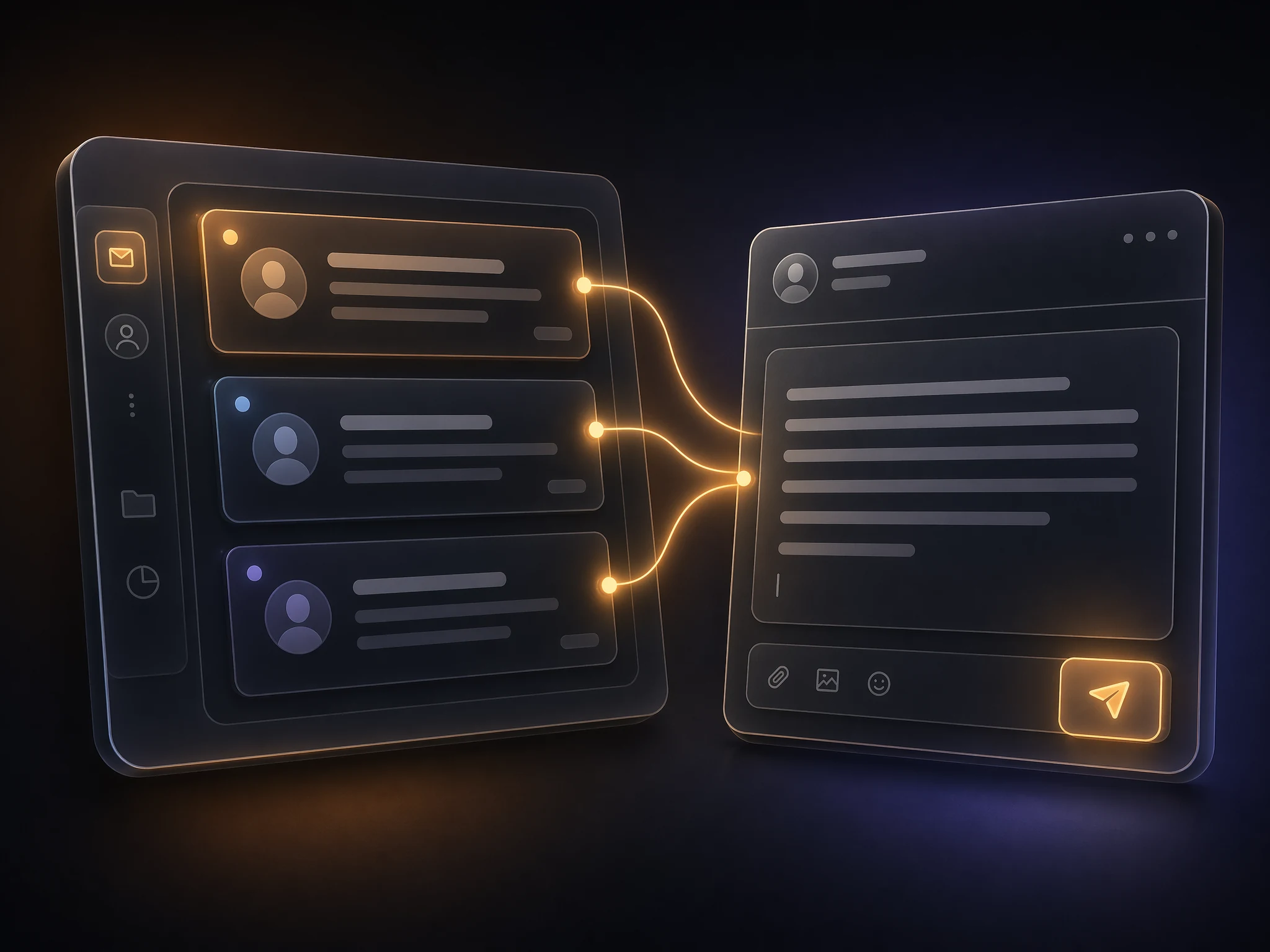
Smart Replies to Any Thread
Drop in an email you received plus your response points, and AI composes a clear, on-topic reply that matches your intent.
Reply with AI
Tone, Length & Refinement
Switch between professional, friendly, formal or casual, set a short or detailed length, and iterate with plain-language feedback.
Try It Free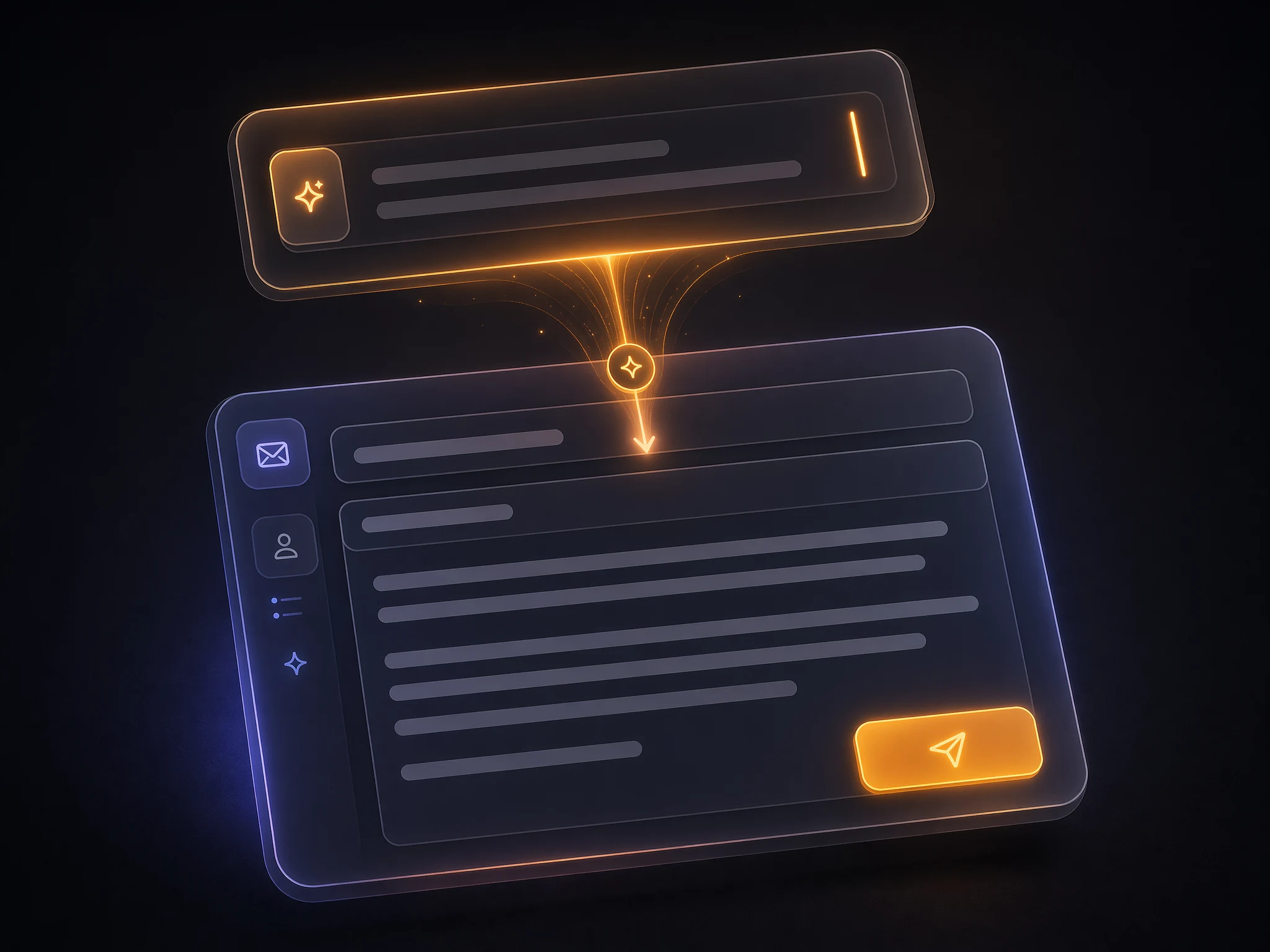
How the AI Email Writer Works
Three steps from idea to ready-to-send email
Describe Your Email
Tell the AI the purpose, the key points you want to cover, who it's for, and the tone you'd like to strike.
Generate the Draft
AI produces a structured email — subject line, greeting, body and sign-off — based on your brief.
Refine & Copy
Request changes in plain language, tweak tone or length, then copy into Gmail, Outlook, Apple Mail or any client.
FAQ
AI Email Writer FAQ
Common questions about drafting emails and replies with AI
It drafts new emails from a short brief, composes replies to threads you paste in, and rewrites existing drafts with different tone, length or structure.